
Setting up a home office for beginners doesn’t require a massive budget or a spare room. It requires intention. Remote work has become standard for millions of professionals, yet many still work from kitchen tables or cramped corners that drain productivity. The right setup changes everything, focus improves, back pain decreases, and work actually feels like work instead of a constant battle against distractions.
This guide covers the practical steps to build a functional home office from scratch. From selecting the best spot in your living space to choosing furniture that won’t wreck your posture, each section delivers actionable advice. Whether someone has a dedicated room or just a quiet corner, these strategies help transform any space into a productive workspace.
Table of Contents
ToggleKey Takeaways
- A home office for beginners starts with choosing a quiet location with natural light, good internet connectivity, and comfortable temperature.
- Invest in three essentials: a spacious desk, an ergonomic chair ($200-400), and a reliable computer with a second monitor to boost productivity.
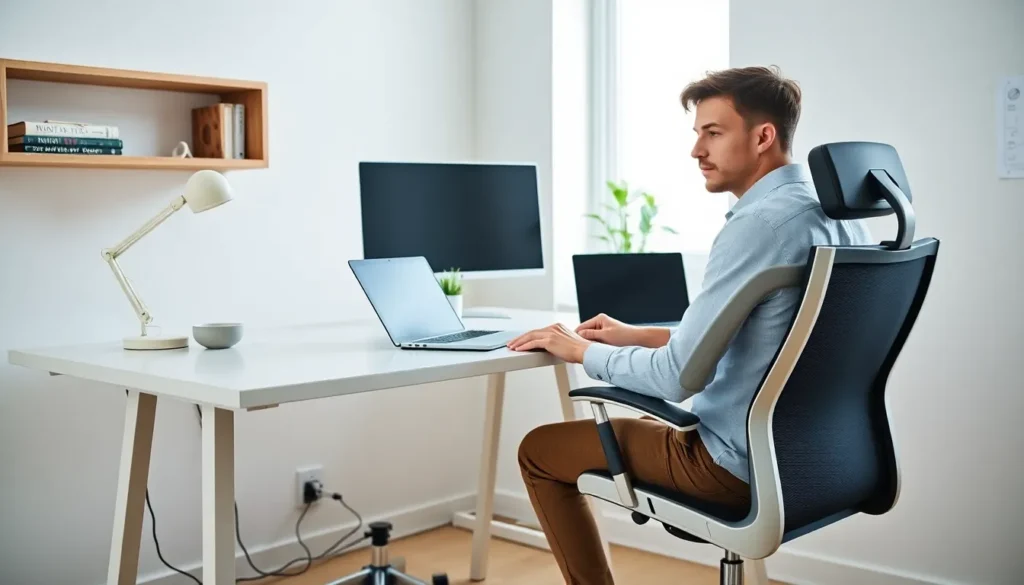
- Position your monitor at eye level, 20-26 inches from your face, and keep elbows at 90 degrees to prevent long-term posture problems.
- Keep your workspace clutter-free by using cable management tools and ensuring every item has a designated home.
- Establish clear work hours, create startup and shutdown rituals, and physically leave your home office at the end of each day to maintain work-life balance.
Choosing the Right Space in Your Home
Location matters more than square footage. A home office for beginners should start with finding a spot that minimizes interruptions and maximizes focus.
The ideal space has a door. Sounds obvious, but a closable door signals to household members that work is happening. It also blocks noise from televisions, pets, and general household chaos. If a separate room isn’t available, a corner of the bedroom or a section of the living room can work, just aim for the quietest area possible.
Natural light should influence the decision. Working near a window reduces eye strain and improves mood. But, the window shouldn’t be directly behind a computer screen, as this creates glare during video calls.
Consider proximity to power outlets and internet connectivity. Running extension cords across walkways creates hazards, and weak WiFi signals cause frustration during important meetings. Test the internet speed in potential locations before committing.
Finally, think about temperature. Spaces near exterior walls or in basements may run cold in winter and warm in summer. A comfortable temperature range keeps energy levels stable throughout the workday.
Essential Furniture and Equipment
A home office for beginners needs three core items: a desk, a chair, and a reliable computer. Everything else is secondary.
The desk should fit the available space while providing enough surface area for a monitor, keyboard, and mouse. A depth of at least 24 inches prevents the screen from sitting too close to the eyes. Standing desk converters offer flexibility for those who want to alternate between sitting and standing.
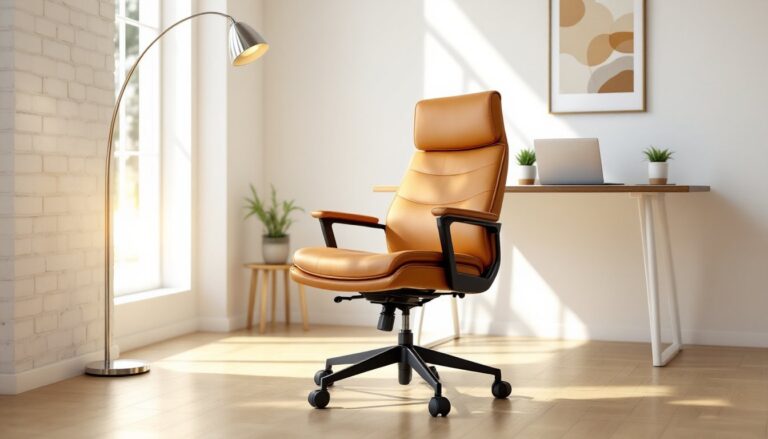
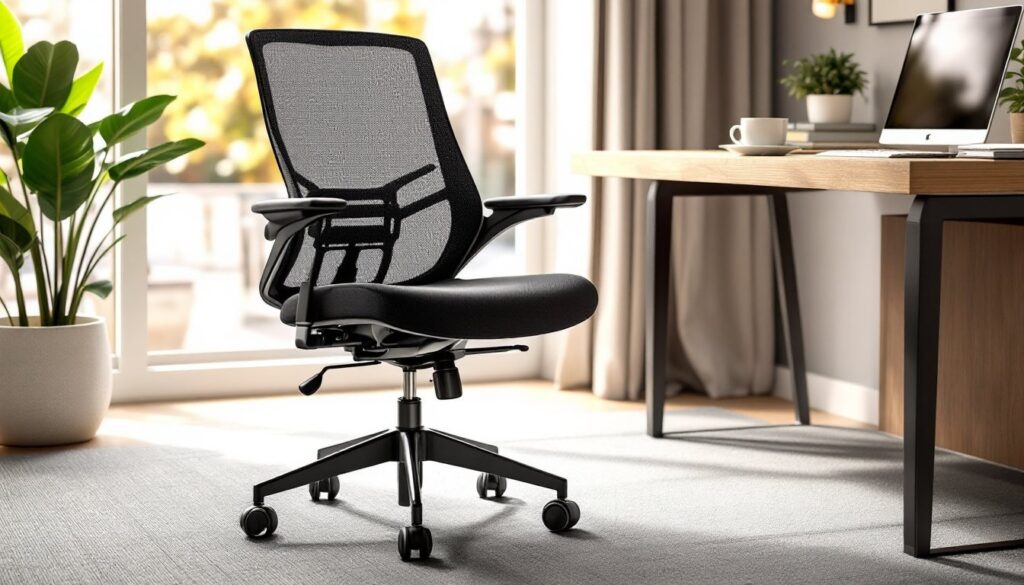
The chair deserves serious investment. A quality ergonomic chair with lumbar support, adjustable height, and armrests prevents long-term back and neck problems. Spending $200-400 on a chair pays dividends over years of daily use. Cheap chairs cause pain within months.
For equipment, priorities depend on the type of work. Most remote workers need:
- A second monitor (increases productivity by up to 30% according to multiple studies)
- A separate keyboard and mouse
- A webcam with decent resolution
- A headset with a built-in microphone
- A surge protector to safeguard electronics
Those on video calls frequently should consider ring lights or desk lamps that improve on-camera appearance. A blurry, dark image during meetings doesn’t project professionalism.
Setting Up Proper Lighting and Ergonomics
Poor lighting and bad posture cause real physical problems. A home office for beginners must address both from day one.
Layered lighting works best. Overhead ambient light provides general illumination, while a desk lamp handles task-specific needs. LED bulbs in the 4000-5000K range mimic daylight and reduce eye fatigue. Avoid harsh fluorescent lights that create headaches over time.
Position the primary light source to the side of the computer, not directly behind or in front. This setup eliminates shadows on the work surface and prevents glare on the screen.
Ergonomics follows simple rules:
- The top of the monitor should sit at or slightly below eye level
- Eyes should be 20-26 inches from the screen
- Elbows should bend at roughly 90 degrees when typing
- Feet should rest flat on the floor or on a footrest
- Thighs should be parallel to the ground
Many beginners skip ergonomic adjustments and pay for it later with wrist pain, neck stiffness, or chronic back issues. Taking ten minutes to adjust chair height and monitor position prevents months of discomfort.
Organizing Your Workspace for Maximum Productivity
Clutter kills focus. A disorganized home office for beginners becomes a distraction instead of a productivity tool.
Start with cable management. Tangled cords under the desk create visual chaos and make cleaning difficult. Cable clips, sleeves, or simple zip ties keep wires organized and out of sight.
Adopt the “everything has a home” principle. Pens go in a holder. Papers go in a tray or filing system. Sticky notes belong on a designated board, not scattered across the monitor. When each item has a specific place, tidying up takes seconds instead of minutes.
Keep the desk surface minimal. Only items used daily should earn permanent desk space. Everything else belongs in drawers or on shelves. A clean desk reduces decision fatigue and creates mental clarity.
Digital organization matters too. Create a logical folder structure for files. Use consistent naming conventions. Empty the downloads folder weekly. The goal is to find any document within 30 seconds.
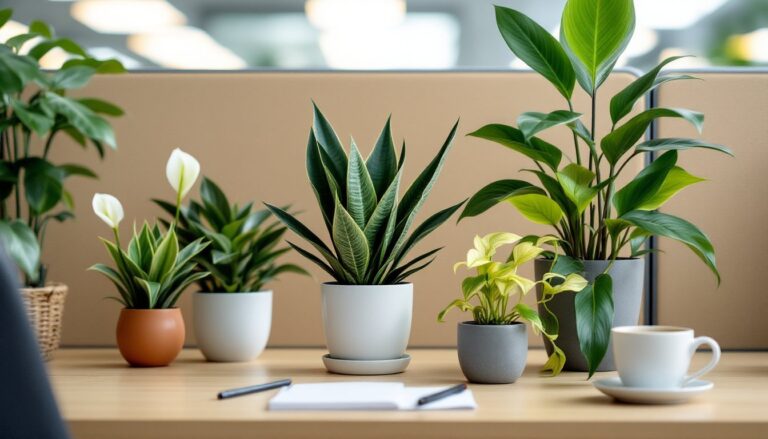
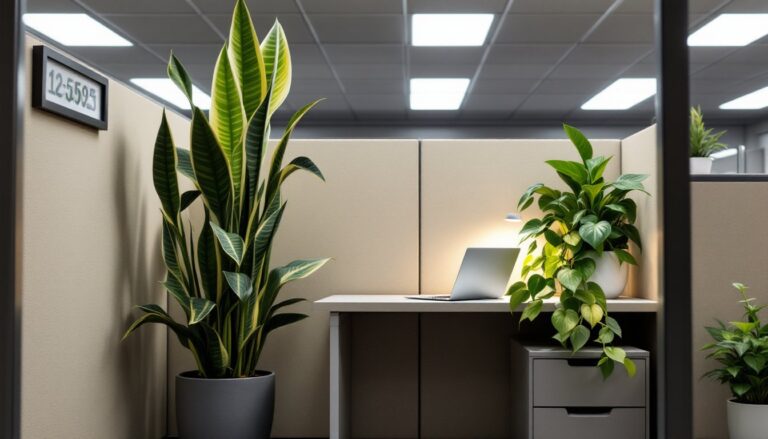
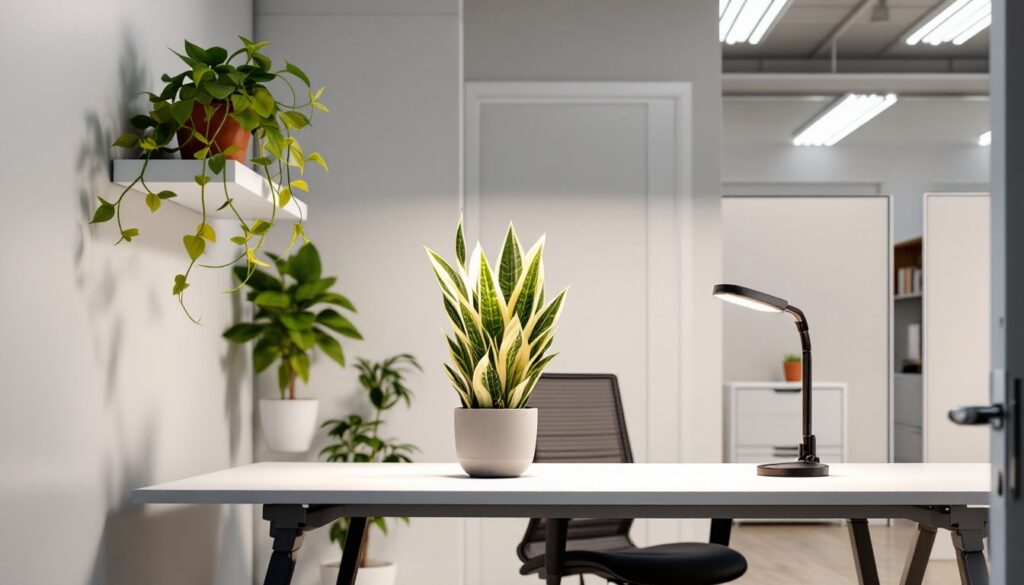
Consider a small plant or personal item for the workspace. Research shows that some personalization improves satisfaction without creating distraction. One or two meaningful items strike the right balance.
Establishing Boundaries and a Daily Routine
A home office for beginners fails without clear boundaries between work and personal life. The commute used to create natural separation. Now that separation must be intentional.
Set specific work hours and communicate them to household members. “I’m working from 9 to 5” doesn’t mean “interrupt me whenever.” It means the office door stays closed during those hours except for emergencies.
Create startup and shutdown rituals. In the morning, this might mean making coffee, reviewing the calendar, and tackling the hardest task first. In the evening, it could involve writing tomorrow’s to-do list, closing all browser tabs, and physically leaving the workspace. These rituals signal to the brain that work mode is beginning or ending.
Take actual breaks. Working from home makes it tempting to power through without stopping. But research consistently shows that short breaks every 60-90 minutes improve focus and output. Step away from the desk. Walk around. Look out a window.
Dress for work, at least from the waist up. Pajamas signal relaxation to the brain. Wearing real clothes, even casual ones, shifts mental gears toward productivity.
Finally, leave the home office at the end of the day. Don’t check emails from the couch at 9 PM. The workspace exists for work. The rest of the home exists for living.