
Building a cool home office isn’t about trendy Instagram backdrops, it’s about creating a workspace that actually supports focus, comfort, and productivity. Whether someone’s converting a spare bedroom, claiming a corner of the basement, or carving out dedicated square footage, the right setup combines ergonomic essentials with smart tech and personalized touches that make the space their own. The difference between a functional office and a truly cool one comes down to intentional choices: proper lighting that reduces eye strain, cable management that eliminates visual chaos, and comfort elements that sustain energy through back-to-back calls. This guide walks through 15 practical ideas to transform any home office from basic to exceptional.
Table of Contents
ToggleKey Takeaways
- A cool home office setup prioritizes ergonomic desk and chair foundations that support proper posture and prevent end-of-day fatigue.
- Layered lighting—including task lamps, bias lighting behind monitors, and controlled natural light—eliminates eye strain and improves video call quality.
- Smart cable management, monitor arms, and docking stations create a tech-forward workspace that maximizes desk space while keeping equipment accessible.
- Accent wall paint, functional wall decor, and low-maintenance plants add personality and visual interest without cluttering your work environment.
- Vertical storage solutions like pegboards and drawer dividers keep supplies organized and visible, boosting productivity while maintaining a clean aesthetic.
- Comfort elements such as anti-fatigue mats for standing desks and quality footrests make long work sessions sustainable and prevent physical strain.
Start With the Right Desk and Chair Foundation
The desk and chair form the structural backbone of any home office. These aren’t items to cheap out on or settle for, they dictate posture, workflow, and whether someone ends the day energized or aching.
1. Choose a Desk With Proper Depth and Height
A standard desk runs 29-30 inches tall, but that won’t work for everyone. Taller users need adjustable-height desks or risers: shorter users may need footrests to keep feet flat and knees at 90 degrees. Desk depth matters too, 24 inches minimum for a monitor at proper viewing distance (about an arm’s length away), but 30 inches is ideal if using dual monitors or keeping reference materials within reach.
Sit-stand desks offer flexibility for those who shift positions throughout the day. Electric models adjust smoothly, but manual crank versions cost less and don’t require outlets near the desk.
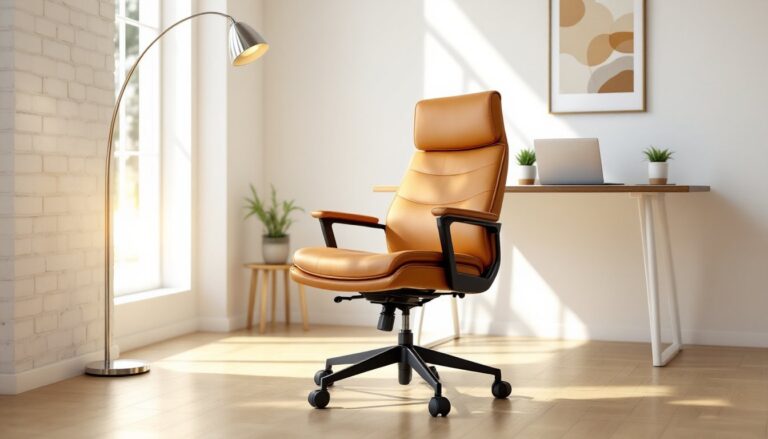
2. Invest in an Ergonomic Chair That Fits
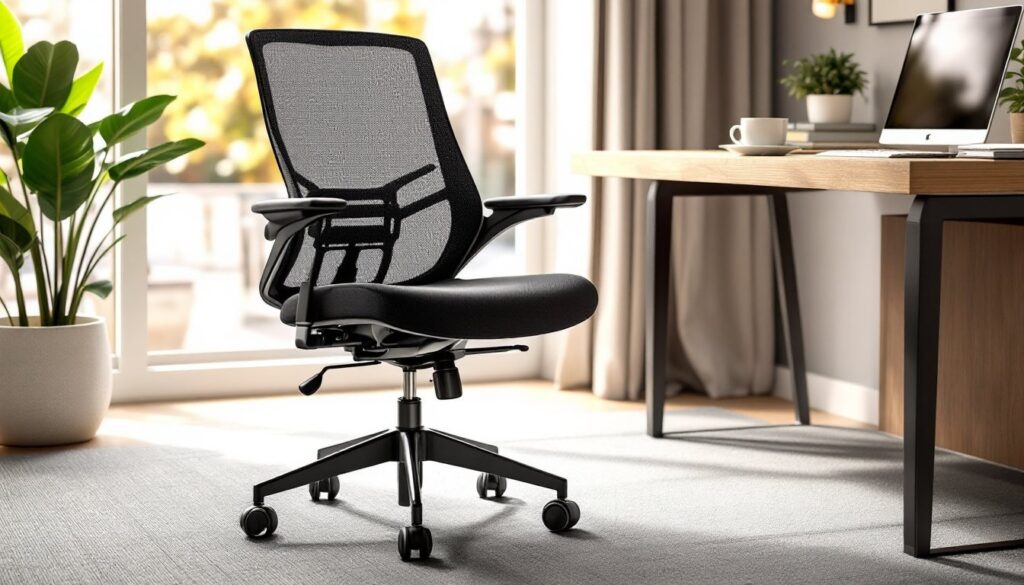
Mesh-back task chairs provide breathability: upholstered models offer cushioning. Either works if the chair includes adjustable lumbar support, seat depth, and armrests. The seat pan should allow 2-3 inches of clearance behind the knees when sitting back. Armrests should let elbows rest at 90 degrees without hunching shoulders.
Test chairs in person when possible. A $400 chair that fits beats a $1,000 model that doesn’t. For those on a tighter budget, refurbished Herman Miller or Steelcase chairs often show up on office liquidation sites at half retail.
3. Consider an L-Shaped or Corner Desk for Multi-Tasking
L-shaped desks create distinct zones, one side for computer work, the other for writing, sketching, or spreading out project materials. Corner desks maximize tight spaces and keep everything within swivel range. Just confirm the room layout allows clearance for the chair to roll freely without hitting walls or door swings.
Create the Perfect Lighting Environment
Poor lighting causes eye strain, headaches, and washed-out video calls. A cool home office layers multiple light sources to eliminate glare and shadows.
4. Use Task Lighting With Adjustable Arms
A swing-arm desk lamp with LED bulbs (4000-5000K color temperature) mimics daylight without the harshness of overhead fluorescents. Look for lamps with dimmer switches to dial intensity based on time of day. Position the light source opposite the dominant hand (left side for righties) to avoid casting shadows across work.
5. Add Bias Lighting Behind Monitors
Mounting an LED strip behind the monitor reduces the contrast between the bright screen and dark wall, cutting eye fatigue during long sessions. Neutral white or cool white (not RGB party mode) works best. Bias lights run off USB power, so they can plug directly into the monitor or a nearby hub.
6. Control Natural Light With Blackout or Sheer Curtains
Windows provide natural light but create glare on screens. Install blackout curtains for video calls that need controlled lighting, or use sheer curtains paired with adjustable blinds to diffuse harsh afternoon sun without killing the room’s brightness entirely. Position the desk perpendicular to windows when possible, not facing them or sitting with the window directly behind, which backlights the user on camera.
Design a Tech-Forward Workstation
Modern home offices run on reliable tech and clean cable management. A cool setup hides the mess and keeps gear accessible.
7. Mount Monitors on Arms or Wall Mounts
Monitor arms free up desk real estate and allow precise height, tilt, and swivel adjustments. VESA-compatible arms fit most monitors and clamp to desk edges or grommet holes. For dual-monitor setups, ensure the arm supports the combined weight and that screens align at the same height to avoid neck strain.
Wall-mounted monitors work in tight spaces but require finding studs or using heavy-duty anchors rated for the monitor’s weight.
8. Run Cables Through Raceways or J-Channels
Loose cables look sloppy and create tripping hazards. Stick-on cable raceways (plastic channels that mount along baseboards or desk edges) bundle power cords, USB cables, and Ethernet runs into neat lines. For desks against drywall, a wiremold raceway can run vertically from an outlet up to desk height, hiding the path entirely.
Under-desk cable trays keep power strips and excess cable slack off the floor and out of sight.
9. Set Up a Docking Station for Seamless Transitions
A single-cable docking station turns a laptop into a full desktop setup. One USB-C or Thunderbolt connection powers the laptop, drives dual monitors, and connects peripherals. When it’s time to move, unplug one cable and go. Look for docks with at least 85W power delivery to charge while working, and confirm compatibility with the laptop’s ports (USB-C doesn’t always mean Thunderbolt).
Add Personality With Wall Decor and Color
A cool office reflects the person who works there. Blank walls feel sterile: thoughtful decor makes the space motivating without becoming cluttered.
10. Paint an Accent Wall in a Bold or Calming Color
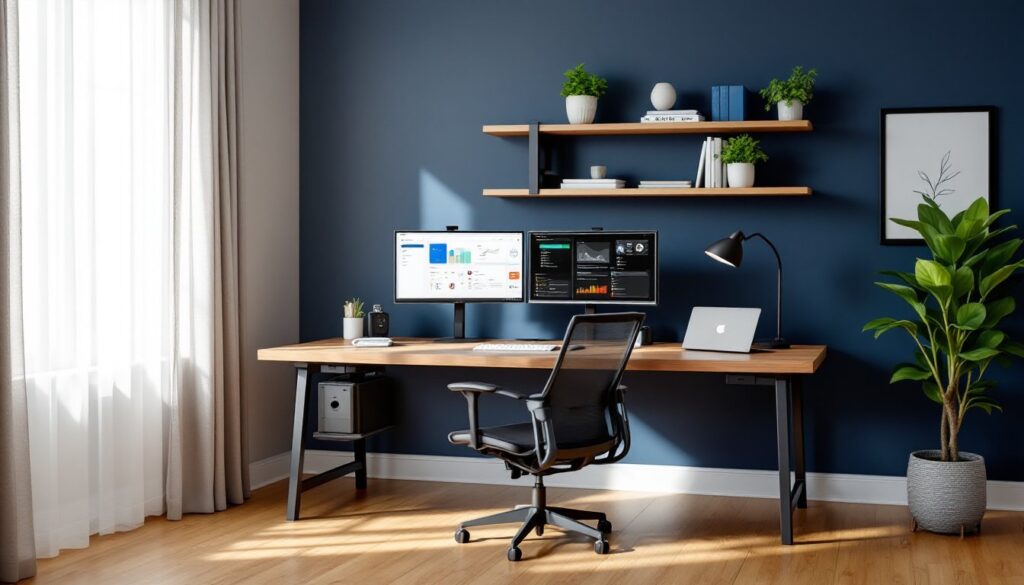
Paint’s the fastest, cheapest transformation. Deep blues and greens promote focus: warm grays and taupes stay neutral but feel more intentional than builder-grade beige. An accent wall behind the desk (the one visible on video calls) adds depth without overwhelming the room.
One gallon of paint covers roughly 350-400 square feet, so most accent walls need a single gallon. Use satin or eggshell finish, matte shows scuffs, semi-gloss reflects too much light.
11. Hang Functional Art: Whiteboards, Corkboards, or Floating Shelves
Framed prints are fine, but functional wall decor pulls double duty. A large framed whiteboard or corkboard keeps notes, schedules, and inspiration visible. Floating shelves display books, plants, or small objects that break up flat wall space without requiring floor space.
Mount shelves into studs or use toggle bolts rated for 50+ lbs if hitting drywall. Shelves above monitor height keep the desk zone uncluttered.
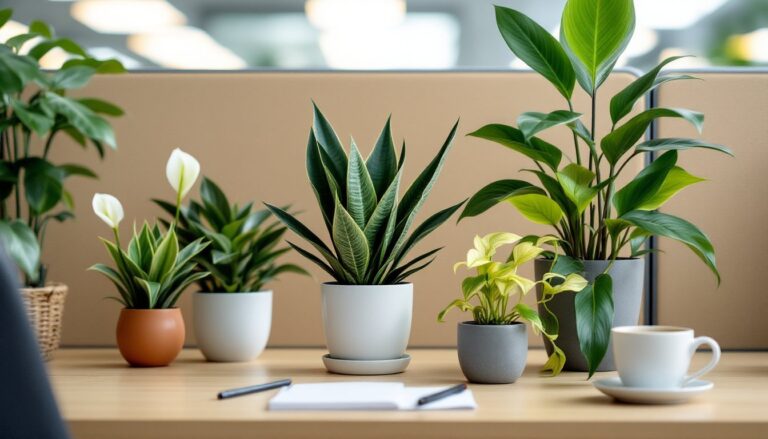
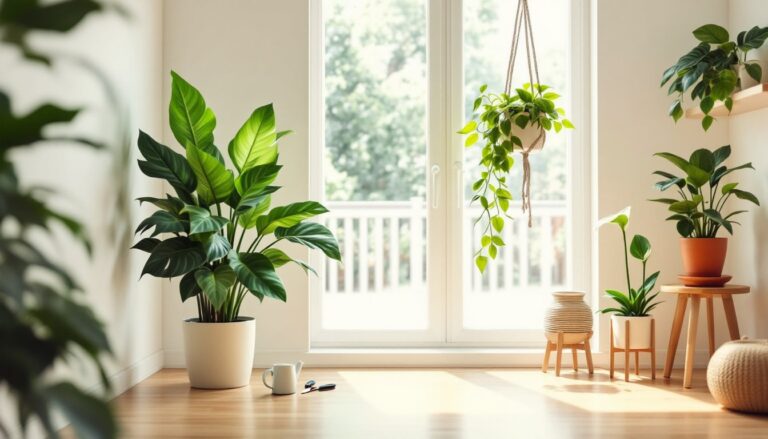
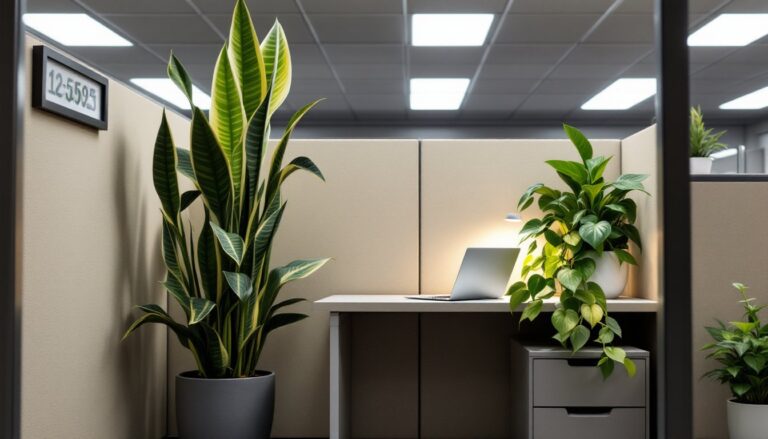
12. Incorporate Plants for Color and Air Quality
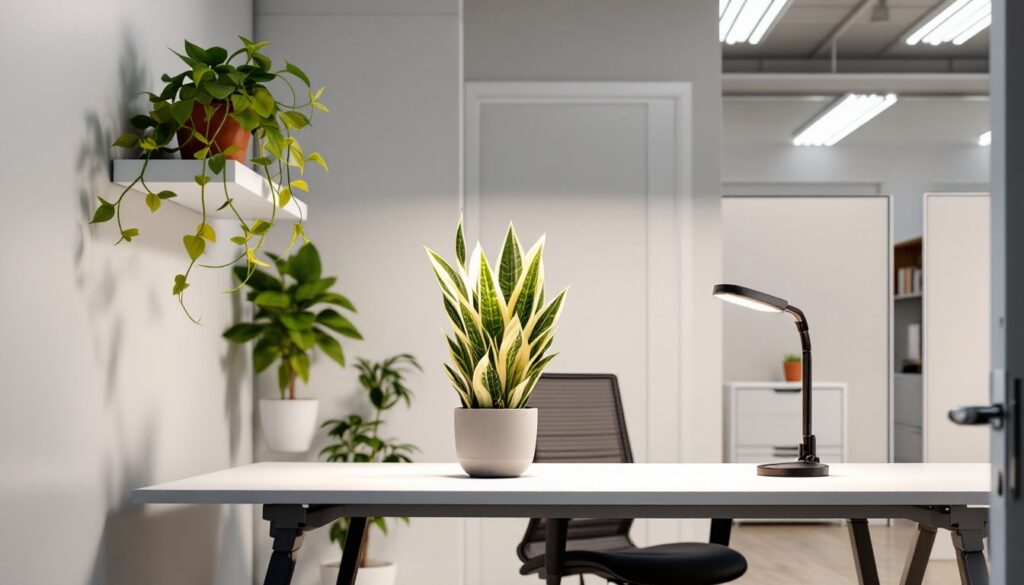
Low-maintenance plants like pothos, snake plants, or ZZ plants survive office conditions (inconsistent light, occasional neglect). They add organic texture and studies suggest they improve air quality and mood. Keep them off the desk if space is tight, wall-mounted planters or floor stands work just as well.
Maximize Organization and Minimize Clutter
Clutter kills productivity and makes even expensive setups look cheap. Smart storage keeps supplies accessible without crowding the workspace.
13. Use Drawer Dividers and Desktop Organizers
Desk drawers turn into junk piles without dividers. Bamboo or plastic organizer inserts create sections for pens, cables, sticky notes, and miscellaneous gear. Desktop organizers (tiered trays, vertical file holders) keep active projects visible and off the main work surface.
If the desk lacks drawers, rolling file cabinets or small credenzas add storage and can double as printer stands.
14. Install Pegboards or Slat Walls for Vertical Storage
Pegboards aren’t just for garages. Painted pegboard with matching hooks stores headphones, cables, notebooks, and tools in plain sight without taking up desk or shelf space. Slat wall panels offer a sleeker look and accept various accessories, bins, shelves, clips.
Mount pegboard to furring strips so there’s clearance behind it for hooks to slide in. Anchor into studs or use appropriate wall anchors for the expected load.
Incorporate Comfort Elements That Boost Productivity
A cool office doesn’t sacrifice comfort for aesthetics. Small upgrades make long work sessions sustainable.
15. Add an Anti-Fatigue Mat for Standing Desk Users
Standing on hard floors wears out feet and legs fast. A ¾-inch thick anti-fatigue mat with beveled edges cushions the stance and encourages subtle shifting that keeps blood flowing. Mats with textured surfaces promote micro-movements. Keep the mat under the desk when sitting so it’s not a tripping hazard.
For sit-only setups, a quality footrest helps shorter users maintain proper posture or gives taller users a place to shift leg position throughout the day.
Conclusion
A cool home office setup doesn’t happen by accident, it’s the result of deliberate choices about ergonomics, lighting, tech integration, and personal style. Start with the foundation (desk and chair), layer in the infrastructure (lighting, cable management, storage), and finish with the details that make the space uniquely functional. The best office is one that supports focused work, adapts to different tasks, and feels good to walk into every morning.